
The 5 Pages Every Small Business Website Needs
Building a website? Don't guess what to put on it. Here are the 5 essential pages every small business needs and exactly what should go on them.
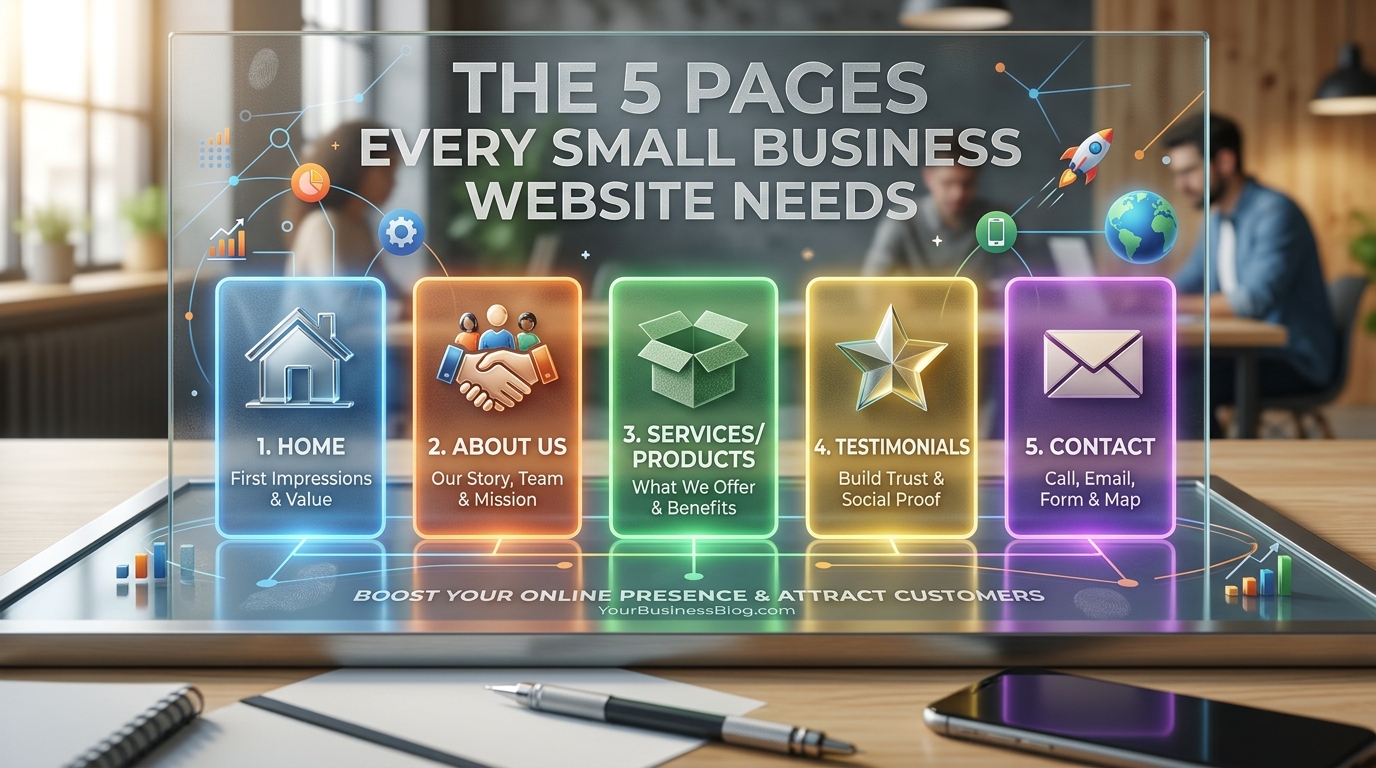
If you've decided your business needs a website, the next question is usually: "What actually goes on it?"
It's easy to look at a massive corporate site with 50 pages and assume you need to match it. You don't.
For a small business, you don't need a 50-page website. You need a focused, clear website that answers your customer's questions and makes it easy for them to contact you.
In my experience building sites for small businesses, almost every successful website boils down to these five core pages.
1. The Homepage (The Handshake)
The homepage is your first impression. You have about 3 seconds to answer the most important question in your customer's mind: "Am I in the right place?"
What it needs:
- A clear headline: Say exactly what you do. Not something vague like "Unlocking your potential." Say "Freelance Web Developer in Dhaka" or "Custom Wedding Cakes."
- A subheadline: Briefly explain who it's for and why you're different.
- A clear Call to Action (CTA): What should they do next? "Get a quote," "View our services," or "Book a call."
If a visitor has to scroll and think too hard to figure out what you sell, they will leave.
2. The About Page (The Trust Builder)
People don't buy from faceless corporations anymore. They buy from people they trust.
Your About page isn't just a copy-paste of your resume. It's your story.
What it needs:
- Why you started: What problem were you trying to solve?
- How you help: Connect your background to how it benefits the customer.
- A real photo: A clear, friendly photo of you or your team builds instant trust.
- Your values: Do you prioritize speed? Quality? Sustainability? Say it.
"People will forget what you said, people will forget what you did, but people will never forget how you made them feel." — Maya Angelou
Your About page is where you make them feel confident in choosing you.
3. The Services (or Products) Page (The Meat)
This is where you get into the details. You don't need to list every single thing you've ever done, but you need to show your core offerings clearly.
What it needs:
- Clear packages or service tiers: Instead of just listing "Web Design," break it down: "Starter Website," "Business Website," "Custom Application."
- What's included: Does the price include hosting? Do you write the copy?
- FAQs: Answer the most common questions here. "How long does it take?" "Do you offer revisions?" This saves you time on discovery calls.
Don't hide your pricing if you can avoid it. You don't have to give an exact number, but giving a "Starting at $X" or a price range saves you from getting emails from people who can't afford you.
4. The Portfolio or Testimonials (The Proof)
You can say you're the best at what you do, but showing proof is what actually closes the deal.
If you have experience:
Show 3–5 of your best projects. For each project, don't just show a pretty picture. Explain the problem the client had and the solution you provided.
If you are just starting out:
You might not have a portfolio yet. That's okay. Use testimonials from previous jobs, clients you've freelanced for, or even colleagues. You can also show "concept" work to prove your skills.
5. The Contact Page (The Close)
You've built the trust, answered their questions, and shown your work. Now, make it incredibly easy for them to give you money.
What it needs:
- A real form: Don't just put a mailto: link. Use a simple form with fields for Name, Email, and "Tell me about your project."
- Alternative contact methods: Some people prefer WhatsApp, others prefer email. Give them options.
- Set expectations: Let them know when you'll reply. "I usually reply within 24 hours."
Bonus: Do I need a Privacy Policy?
Yes. If you are collecting names and emails through a contact form (which you should be), you technically need a basic Privacy Policy page. It doesn't have to be complicated, but it should state what data you collect and what you do with it.
The secret sixth page
If you're running a business, there is a silent, invisible page that is arguably the most important: the 404 (Page Not Found) page.
It's what people see when they click a broken link. Don't let it be a generic, ugly error page. Make it helpful — give them a link back to the homepage or your services page.
Build it, or hire it out?
Building these five pages can take a weekend with a template, or a few weeks of trial and error.
If you're a business owner and your time is better spent serving clients rather than fighting with WordPress plugins, it might be time to hire a professional.
If you want to talk about building a clean, simple, five-page website for your business, let's have a conversation. No pressure, just practical advice.
Need help building something?
If this post sparked an idea, I'd love to hear about it. I build clean websites and custom tools for small businesses.
Let's talk